
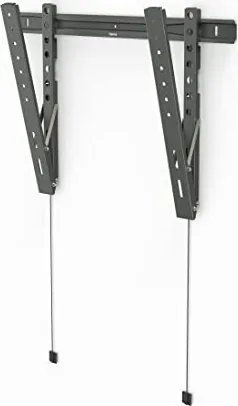
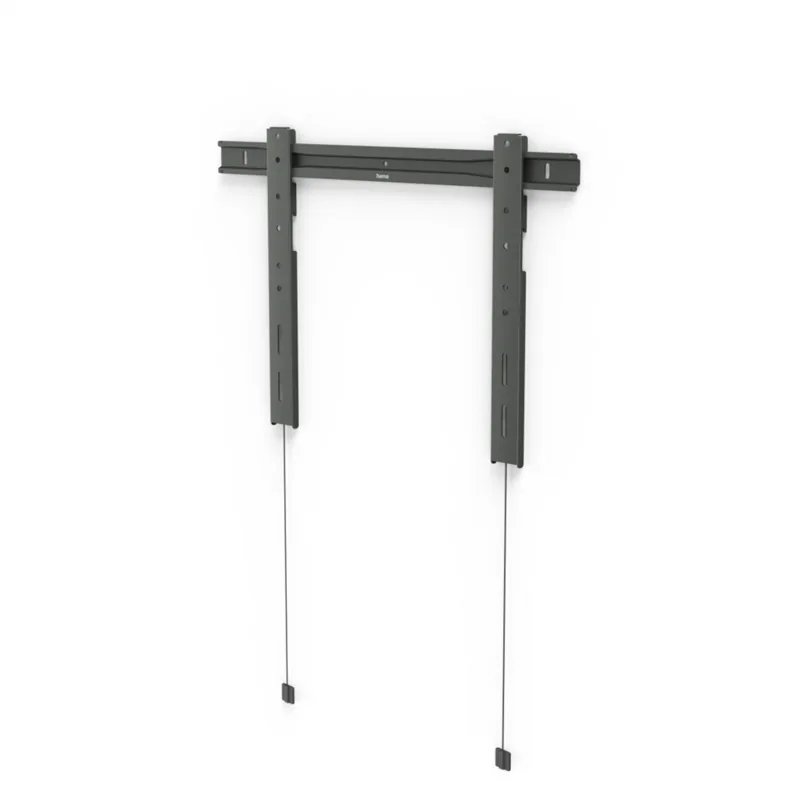
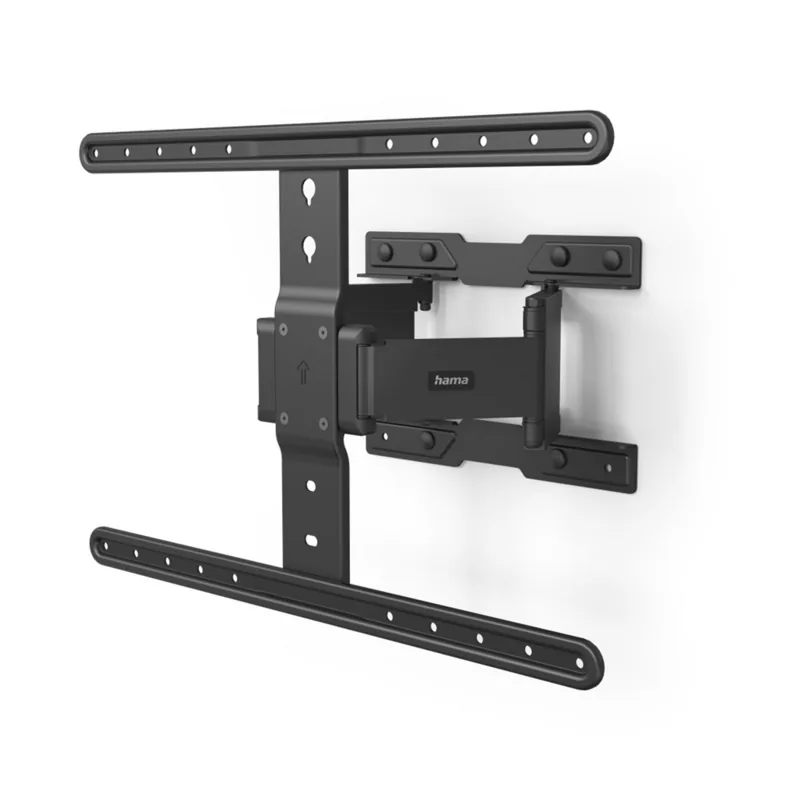
Hama Tilt Ultraslim Manual
Manual en PDF · 30 Páginas
Español



Verificación rápida
Respuesta incorrecta, inténtalo de nuevo.
Chatee con su manual de Hama Tilt Ultraslim usando IA
Obtenga respuestas instantáneas de IA de su manual de Hama Tilt Ultraslim
Pregunte lo que quiera sobre Hama Tilt Ultraslim. Las respuestas provienen de este manual, con las páginas en las que se basan.
Tilt Ultraslim Programa de mantenimiento
Asegúrese de que el soporte esté bien fijado, no supere la capacidad máxima de carga y no presente daños. Repita esta comprobación al menos cada tres meses.
Utilice únicamente agua o limpiadores domésticos estándar para limpiar el producto.
Recordatorios de mantenimiento gratuitos
Según la fecha de compra. Siempre gratis, cancela la suscripción cuando quieras.
Haz una Pregunta
¿Recomiendas Tilt Ultraslim?
Sí No¿Recomiendas Tilt Ultraslim?
Sí NoPreguntas frecuentes
El producto soporta una capacidad máxima de carga de 80 kg, adecuado para pantallas de panel plano de hasta 90 pulgadas.
¿Esta respuesta fue útil?
Los tacos de pared suministrados están aprobados solo para paredes de concreto y ladrillo macizo. Para otros materiales, compre anclajes adecuados en un concesionario.
¿Esta respuesta fue útil?
Debe verificar que el producto esté montado de forma segura en intervalos regulares, al menos cada tres meses, para garantizar la seguridad.
¿Esta respuesta fue útil?
No, no debe montar el producto por encima de los lugares donde las personas puedan estar para evitar lesiones por dispositivos que caen.
¿Esta respuesta fue útil?
Se incluye un kit de instalación con el soporte, pero puede necesitar materiales adicionales dependiendo de su tipo de pared.
¿Esta respuesta fue útil?
No, el soporte es solo destinado para uso dentro de edificios y para uso domestico privado.
¿Esta respuesta fue útil?
En caso de daño, retire la carga adjunta y deje de usar el producto inmediatamente. No lo vuelva a intentar.
¿Esta respuesta fue útil?
Ventajas y Desventajas
Ventajas

- Soporta pantallas pesadas de hasta 80 kg con construcción estable.
- Profundidad ultra delgada de 2 cm proporciona una estética minimalista.
- Compatibilidad VESA cubre tamaños de hasta 600x400 mm.
- Incluye ajuste de inclinación para reducción de deslumbramiento.
- Kit de instalación completo para paredes sólidas estándar.
Desventajas

- Los tacos de pared solo encajan en concreto y paredes de ladrillo macizo.
- Requiere dos personas para instalación y ajuste seguro.
- El ángulo de inclinación está limitado a 15 grados hacia abajo.
- Los controles de seguridad regulares cada tres meses son obligatorios.
- No adecuado para entornos comerciales o al aire libre.
Producto Especificación
Tipo
De pared
Número de monitores
1
Tamaño de pantalla
93,98-228,60 cm
Movilidad
Inclinable (-15 grados, 0 grados), Giratorio (3 grados)
Distancia de pared
2,01 cm
Capacidad de carga máx.
80,00 kg
VESA
mín. 50x50, máx. 600x400 mm
Características
Nivel
Color
Negro
Producto Descripción
Soporte Hama TILT Ultra Delgada para TV 600x400
Experimente comodidad de visualización superior con el soporte de pared para TV Hama TILT Ultra Delgada 600x400. Este accesorio elegante está diseñado para hogares modernos que buscan estética limpia sin comprometer la estabilidad. Su perfil ultra delgado mide solo dos centímetros de profundidad, asegurando que su centro de entretenimiento se vea impecable mientras soporta pantallas pesadas sin esfuerzo. El soporte admite pantallas de panel plano que van desde 37 hasta 90 pulgadas, manejando una capacidad de carga máxima de 80 kilogramos con confianza.
La instalación requiere una planificación cuidadosa y las herramientas correctas proporcionadas en el kit. La placa de pared mide 67.4 cm por 5 cm, adherida a los estándares VESA hasta 600x400 milímetros. Aunque el hardware incluido soporta paredes de concreto y ladrillo macizo efectivamente, los usuarios deben verificar la adecuación de la pared antes de hacer el taladro. La función de inclinación ajustable permite un ángulo de quince grados hacia abajo, reduciendo el deslumbramiento para posiciones de visualización óptimas. Esta funcionalidad es crucial para montajes por encima del nivel de los ojos.
La seguridad es primordial al tratar con equipos electrónicos pesados. Nunca debe intentar esta instalación sola. La asistencia de una segunda persona asegura que la unidad se mantenga segura durante el proceso. Se recomiendan revisiones regulares cada tres meses para mantener la integridad estructural. Asegúrese siempre de que los tornillos estén apretados a mano y no excedan las dimensiones especificadas. Nunca monte este producto donde las personas puedan estar, ya que los objetos que caen representan riesgos significativos. Siempre busque cables eléctricos o plomería dentro del área de montaje. Si encuentra incertidumbre, consulte a un técnico calificado en lugar de arriesgar la lesión personal. No aplique fuerza excesiva durante el proceso.
El mantenimiento adecuado mantiene su configuración segura por años. Use solo agua o limpiadores domésticos estándar para el polvo. Evite productos químicos agresivos que podrían dañar el acabado. Si ocurre algún daño, retire la carga inmediatamente y detenga el uso. No sobrecargue el soporte con dispositivos que excedan los límites de peso permitidos. Guarde el libro de instrucciones seguro para referencia futura durante cambios o mejoras. Este soporte transforma su espacio vital en una experiencia de cine.
La versatilidad de este producto se ajusta a varias configuraciones de cine en casa. Soporta pantallas planas y curvas siempre que coincidan con la profundidad y los requisitos VESA exactamente. Los espaciadores están disponibles para compensar dorsos desiguales en modelos específicos. Recuerde que los tacos de pared proporcionados funcionan solo para materiales sólidos como el concreto. Otros tipos de pared necesitan anclajes específicos comprados separadamente de comerciantes especializados. Nunca deje la instalación sin terminar ya que crea peligros. Asegúrese de que sus cables permanezcan accesibles después de colgar el dispositivo. Disfrute de sus pantallas con tranquilidad sabiendo que están sujetas firmemente en su lugar por un diseño de ingeniería fiable adecuado solo para uso doméstico privado.
El paquete contiene cada tornillo y taco necesario listado en los diagramas. Verifique que no falten piezas antes de comenzar el proceso de ensamblaje. Los tornillos no utilizados deben guardarse con esta guía. Algunas pantallas pueden requerir pernos más largos que los incluidos. El dispositivo no está destinado para uso comercial o entornos al aire libre. Siempre verifique que el peso de su pantalla coincida con el límite de 80kg estrictamente. Siga los pasos ilustrados con precisión para los mejores resultados. Asegure su espacio de visualización hoy con esta solución robusta de montaje diseñada para la longevidad.
Buscar: 67.732 Manuales en línea


Escribe la marca o modelo